How to Install Remmina on Kali Linux
·1 min
Step 1: Update Your System

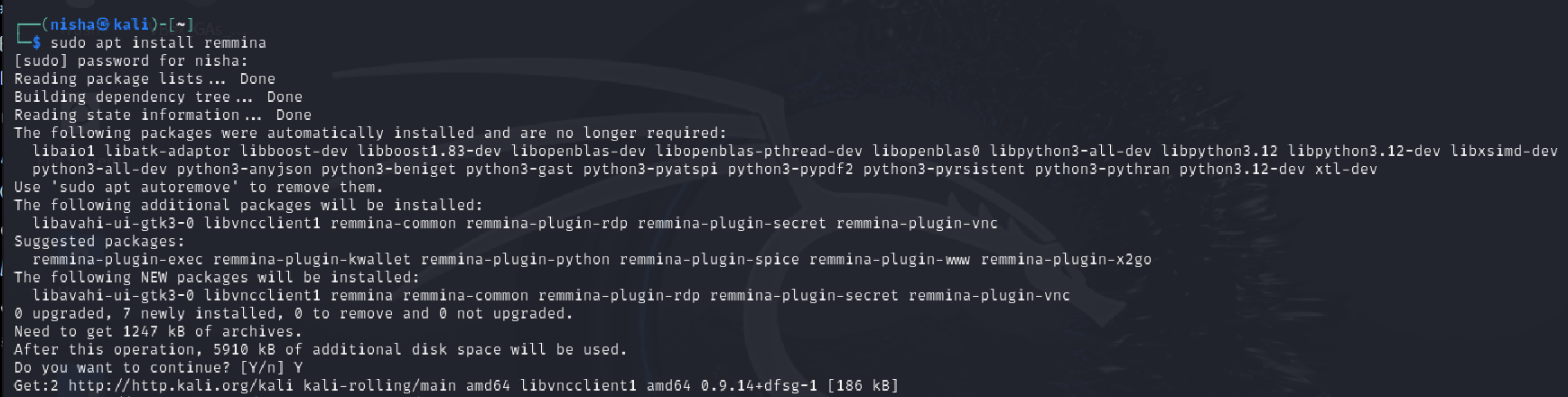
- Install Remmina
sudo apt install remmina
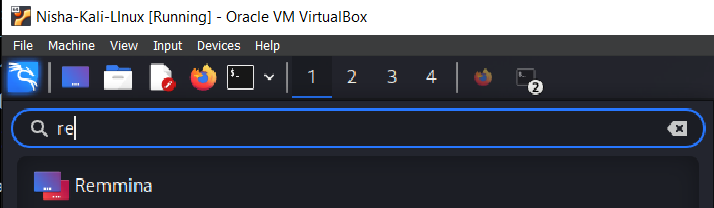
- Launch Remmina
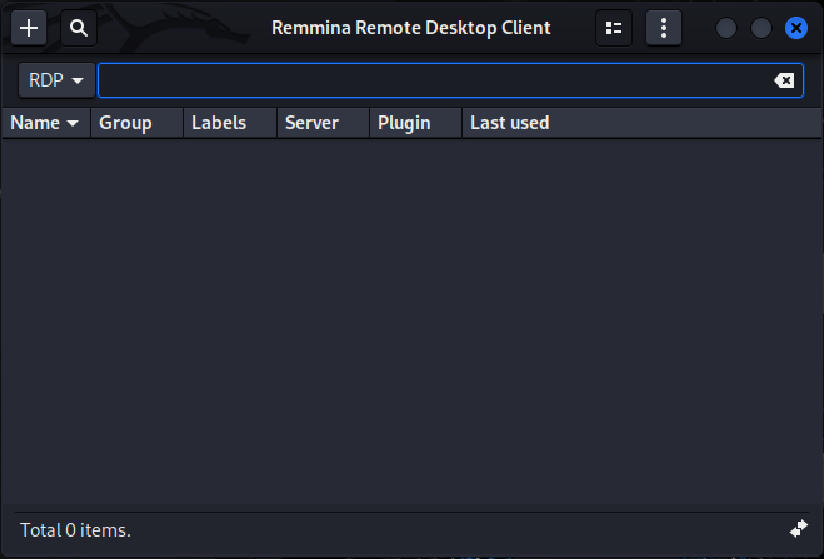
Step 4: Configure a Remote Connection
Step 1: Update Your System
sudo apt install remmina
Step 4: Configure a Remote Connection
Room Link: https://tryhackme.com/r/room/wiresharkthebasics
Learning Objectives
Question: Which file is used to simulate the screenshots? Answer: http1.pcapng
<strong>Question: Which file is used to answer the questions?   </strong>
<em> Answer: Exercise.pcapng </em></br>
Room Link: https://tryhackme.com/r/room/contentdiscovery
In cybersecurity, discovering hidden or non-obvious content on web servers is critical for any aspiring ethical hacker. The “Content Discovery” room on TryHackMe offers a detailed, hands-on approach to mastering techniques for uncovering various types of web content that can reveal vulnerabilities or sensitive data. Ideal for learners looking to deepen their web penetration testing skills, this room enhances the ability to pinpoint potential entry points on a target website.
Room Link: https://tryhackme.com/r/room/walkinganapplication
In the "Walking An Application" room on TryHackMe, you will learn how to manually assess a web application for security vulnerabilities using only the built-in tools available in your web browser. Automated security tools and scripts often miss many potential vulnerabilities and valuable information. This room emphasizes the importance of manual review to identify and understand these overlooked issues.

Welcome to Day 4 of my 100 Days of Cybersecurity Challenge. As I progress through this intensive learning journey, I’m thrilled to share some insights into one of the most critical aspects of cybersecurity: reconnaissance.